-20C to 100C (-4F to 212F)


-20C to 100C (-4F to 212F)
5V to 24V DC
Normally Open (NO) or Normally Closed (NC)
Adjustable (dependent on liquid type and viscosity)
<1 second
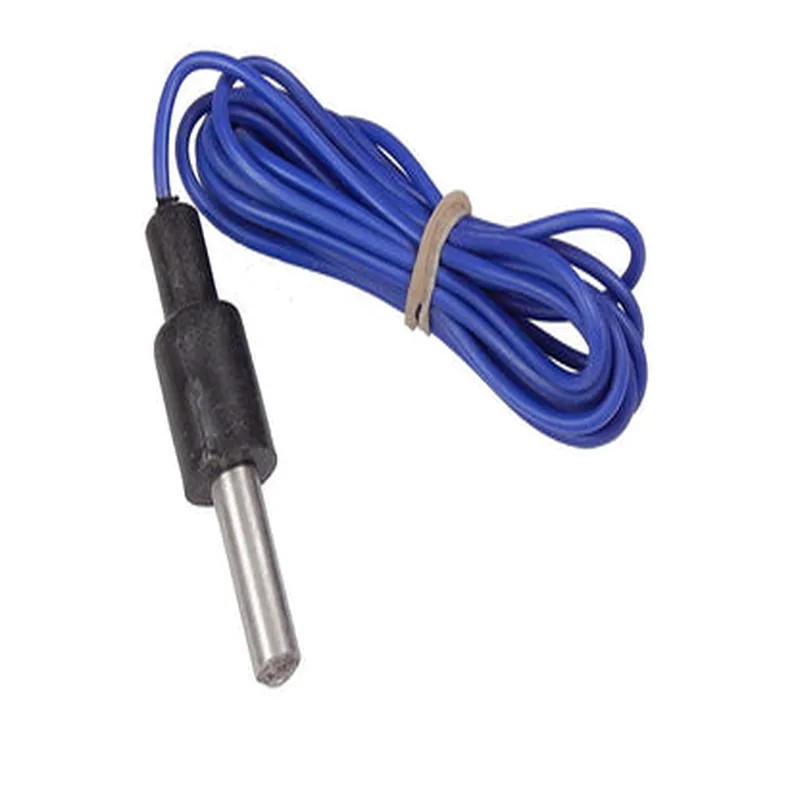
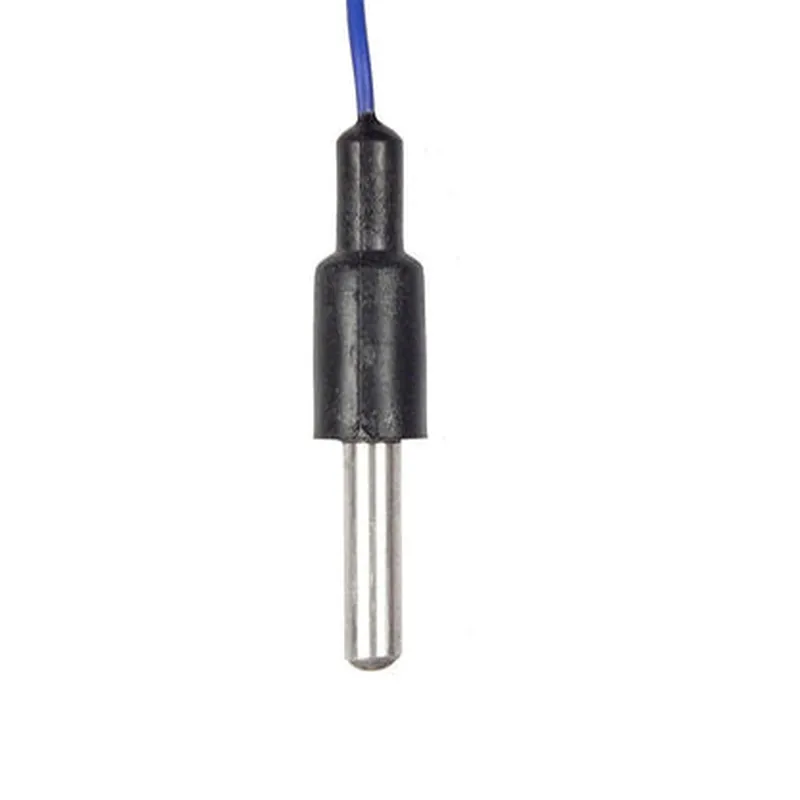
Plastic or stainless steel stem, magnetic reed switch, and probe
CE, RoHS, and REACH compliant
Applications
Float Sensor Contact Type CSSP DocumentationOverviewThe Float Sensor Contact Type CSSP is a digital float sensor designed to detect the presence or absence of a liquid level. It is an ideal solution for applications requiring accurate and reliable liquid level detection, such as tank level monitoring, fluid management, and industrial automation.Technical SpecificationsOperating Voltage: 5V DC
Output: Digital (Open-Collector or Push-Pull)
Sensing Range: 0-5mm (adjustable)
Accuracy: 1mm
Response Time: 10ms
Interface: 3-pin connector (VCC, GND, OUT)Code Examples### Example 1: Basic Liquid Level Detection using ArduinoIn this example, we will use the Float Sensor Contact Type CSSP to detect the presence of a liquid level and trigger an LED indicator.Hardware RequirementsFloat Sensor Contact Type CSSP
Arduino Board (e.g., Arduino Uno)
LED indicator
Breadboard and jumper wiresCode
```c++
const int floatSensorPin = 2; // Digital input pin for float sensor
const int ledPin = 13; // Digital output pin for LED indicatorvoid setup() {
pinMode(floatSensorPin, INPUT);
pinMode(ledPin, OUTPUT);
}void loop() {
int sensorState = digitalRead(floatSensorPin);
if (sensorState == HIGH) {
digitalWrite(ledPin, HIGH); // Liquid level detected, turn on LED
} else {
digitalWrite(ledPin, LOW); // No liquid level, turn off LED
}
delay(50); // Debounce time
}
```
### Example 2: Liquid Level Monitoring using Raspberry Pi and PythonIn this example, we will use the Float Sensor Contact Type CSSP to monitor the liquid level and display the status on a Raspberry Pi terminal.Hardware RequirementsFloat Sensor Contact Type CSSP
Raspberry Pi (e.g., Raspberry Pi 4)
Breadboard and jumper wiresCode
```python
import RPi.GPIO as GPIO
import timeGPIO.setmode(GPIO.BCM)
floatSensorPin = 17 # GPIO pin for float sensor
GPIO.setup(floatSensorPin, GPIO.IN)while True:
sensorState = GPIO.input(floatSensorPin)
if sensorState:
print("Liquid level detected!")
else:
print("No liquid level detected.")
time.sleep(0.5) # Polling interval
```
Note: In both examples, the float sensor is connected to a digital input pin, and the output is read using digitalRead() or GPIO.input(). The sensor's output is active high, meaning a high signal indicates the presence of a liquid level.