Acts as the central controller of the Zigbee network, managing device connections and data routing.


Acts as the central controller of the Zigbee network, managing device connections and data routing.
Extends the range of the Zigbee network by relaying data between devices.
Acts as a peripheral device in the Zigbee network, transmitting and receiving data to/from the Coordinator or Router.
Key Features
Technical Specifications
2.4 GHz ISM band
Up to 250 kbps
Up to 2 miles (3.2 km) line-of-sight
Up to 63 mW (18 dBm)
-100 dBm
3.3V serial UART interface
2.4 to 3.6 V
24.5 x 27.5 x 9.5 mm (0.96 x 1.08 x 0.37 in)
Certifications and Compliance
Complies with FCC Part 15 regulations
Complies with ETSI EN 300 220 regulations
Complies with Industry Canada regulations
Applications
| The XBee-PRO ZB S2B Extended Range Module is suitable for a wide range of IoT applications, including |
Remote monitoring and control of industrial equipment and processes
Wireless connectivity for smart meters, grid management, and energy monitoring
Wireless control and monitoring of home appliances, lighting, and security systems
Wireless connectivity for medical devices, patient monitoring, and telemedicine applications
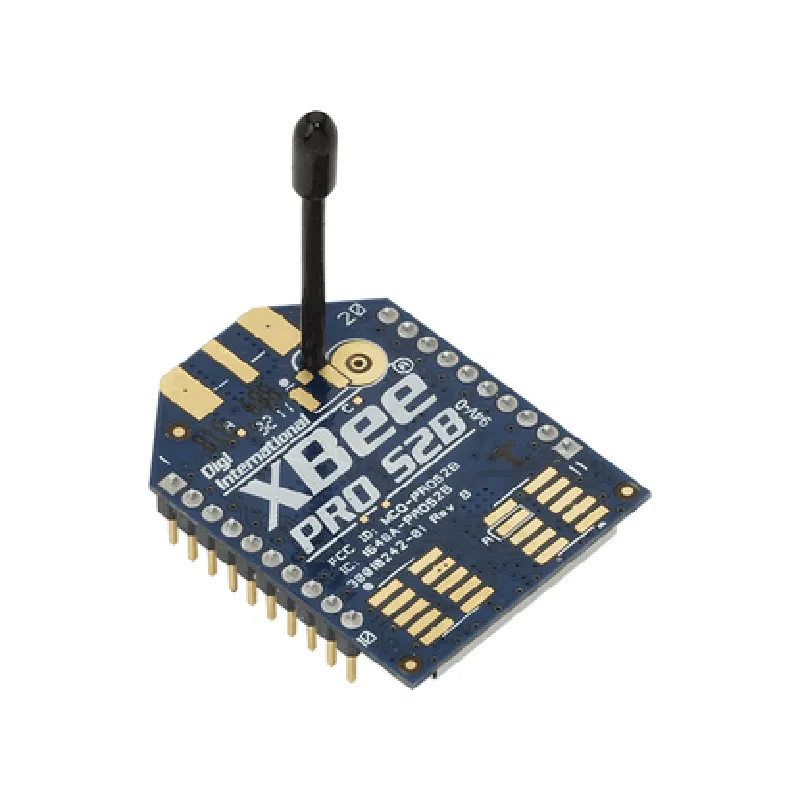
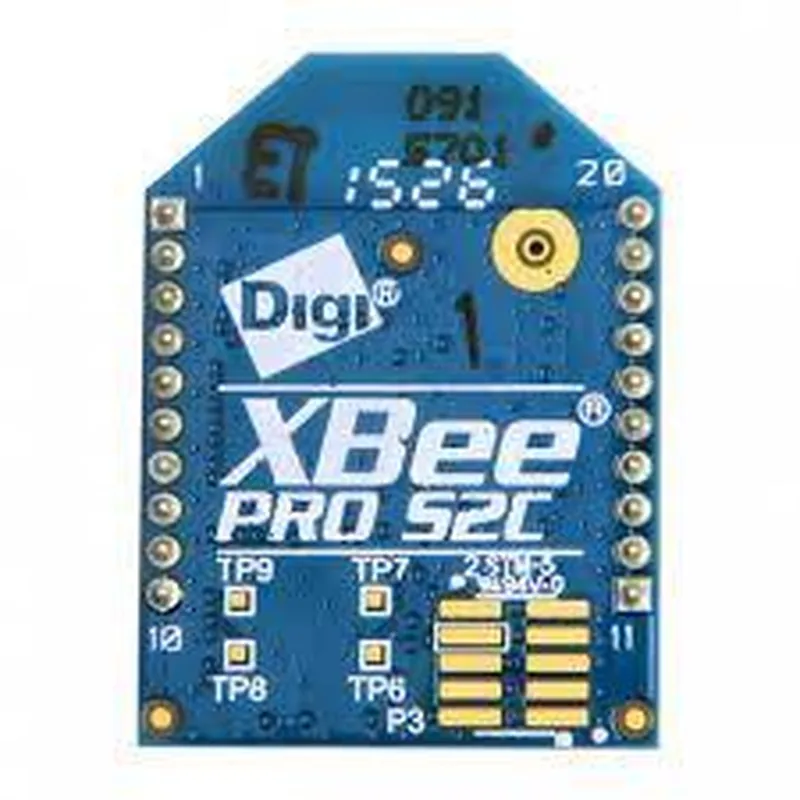
XBee-PRO ZB S2B Extended Range Module DocumentationOverviewThe XBee-PRO ZB S2B is a high-performance, extended-range ZigBee module designed for long-range wireless communication applications. This module is part of the XBee-PRO family, offering improved range and reliability compared to standard XBee modules.Key FeaturesIEEE 802.15.4 compliant
ZigBee protocol support
Extended range up to 60 miles (96.5 km) line of sight
High-speed data transfer rates up to 250 kbps
Low power consumption for extended battery life
Supports point-to-point, point-to-multipoint, and mesh networking topologiesHardware ConnectionsThe XBee-PRO ZB S2B module has a standard 20-pin XBee footprint, making it compatible with a wide range of development boards and platforms. The module's pinout is as follows:VCC: Power supply (3.3V)
GND: Ground
TX: Transmit data
RX: Receive data
RTS: Request to send
CTS: Clear to send
DIN: Data in
DOUT: Data out
SLEEP: Sleep mode enable
ON/SLEEP: On/sleep mode control
Reset: Reset inputCode Examples### Example 1: Basic Serial Communication using XBee-PRO ZB S2B (Arduino)This example demonstrates how to use the XBee-PRO ZB S2B module to establish a serial communication link between two Arduino boards.Transmitter Code (Arduino)
```c++
#include <SoftwareSerial.h>// Define the XBee's serial pins
const int xbeeRx = 2;
const int xbeeTx = 3;SoftwareSerial xbee(xbeeRx, xbeeTx);void setup() {
xbee.begin(9600);
Serial.begin(9600);
}void loop() {
xbee.println("Hello, world!");
delay(1000);
}
```Receiver Code (Arduino)
```c++
#include <SoftwareSerial.h>// Define the XBee's serial pins
const int xbeeRx = 2;
const int xbeeTx = 3;SoftwareSerial xbee(xbeeRx, xbeeTx);void setup() {
xbee.begin(9600);
Serial.begin(9600);
}void loop() {
if (xbee.available()) {
String receivedData = xbee.readStringUntil('
');
Serial.println(receivedData);
}
delay(100);
}
```### Example 2: ZigBee Mesh Networking using XBee-PRO ZB S2B (Python)This example demonstrates how to use the XBee-PRO ZB S2B module to create a ZigBee mesh network using Python and the XBee Python library.Sender Code (Python)
```python
import xbee# Initialize the XBee device
xb = xbee.ZigBee('/dev/ttyUSB0', 9600)# Define the destination node's address
dest_addr = b'x00x13xA2x00x40x5Fx05xC4'# Send a message to the destination node
xb.tx(dest_addr, b'Hello, neighbor!')# Close the XBee device
xb.close()
```Receiver Code (Python)
```python
import xbee# Initialize the XBee device
xb = xbee.ZigBee('/dev/ttyUSB0', 9600)# Define a callback function to handle incoming messages
def handle_rx(packet):
print("Received message: ", packet['rf_data'])# Set up the XBee device to receive messages
xb.on_rx = handle_rx# Start the XBee device
xb.start()# Wait for incoming messages
while True:
pass
```These examples demonstrate the basic functionality of the XBee-PRO ZB S2B module. For more advanced usage and configuration, please refer to the official XBee documentation and ZigBee protocol specifications.