3.3V or 5V


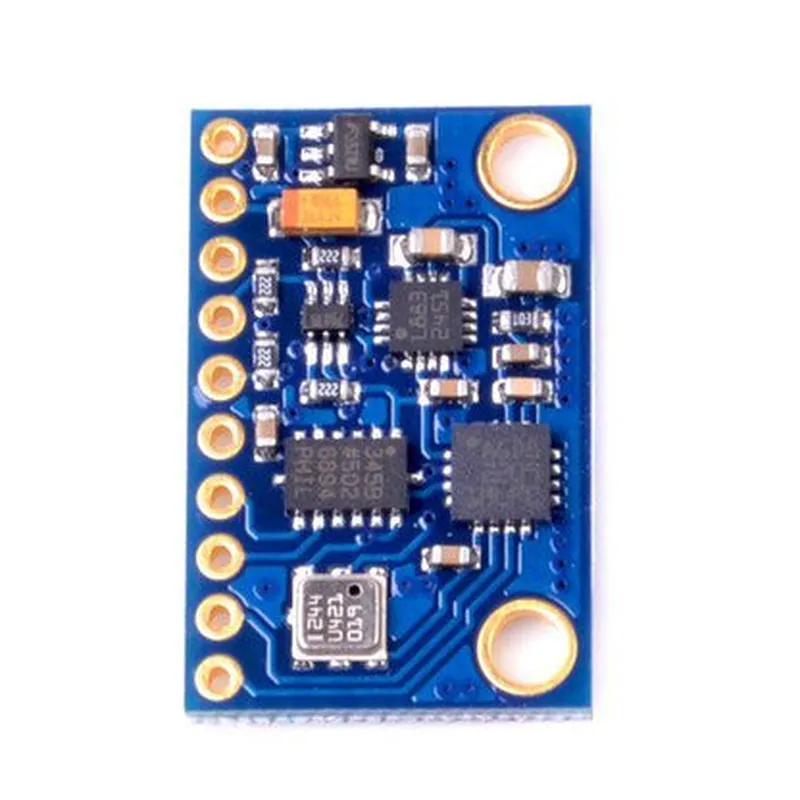
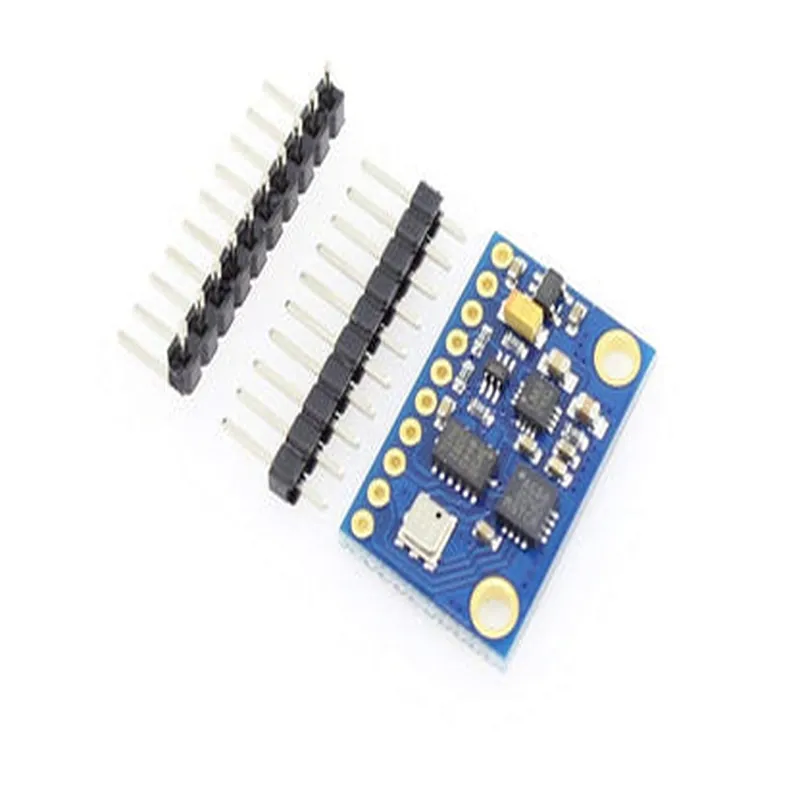
3.3V or 5V
I2C, SPI
| + Accelerometer | 2g, 4g, 8g, 16g |
| + Gyroscope | 245/s, 500/s, 1000/s, 2000/s |
| + Magnetometer | 1300T |
16-bit resolution
Up to 100 Hz
512 bytes
Applications
| The GY801 9-Axis Magnetic Acceleration Gyroscope Module is suitable for a wide range of applications, including |
Robotics and robotic arms
Drones and unmanned aerial vehicles (UAVs)
Autonomous vehicles and driverless cars
IoT devices and wearables
Navigation and orientation systems
Aerospace and defense applications
Industrial automation and control systems
Conclusion
The GY801 9-Axis Magnetic Acceleration Gyroscope Module is a versatile and high-performance sensor module that provides accurate measurements of acceleration, angular velocity, and magnetic field strength. Its compact size, low power consumption, and high accuracy make it an ideal choice for a wide range of applications that require precise motion sensing and orientation detection.
GY801 9-Axis Magnetic Acceleration Gyroscope Module DocumentationOverviewThe GY801 9-Axis Magnetic Acceleration Gyroscope Module is a compact, high-precision sensor module that combines a 3-axis accelerometer, a 3-axis gyroscope, and a 3-axis magnetometer in a single package. This module is designed to provide precise measurements of acceleration, angular rate, and magnetic fields, making it suitable for applications such as robotics, drones, virtual reality, and motion tracking.Pinout and ConnectionsThe GY801 module has a standard 16-pin interface, with the following pinout:| Pin | Function |
| --- | --- |
| 1 | VCC (3.3V) |
| 2 | GND |
| 3 | SCL (I2C Clock) |
| 4 | SDA (I2C Data) |
| 5 | INT (Interrupt) |
| 6-8 | Unused |
| 9-11 | AD0-2 (Address Pins) |
| 12-15 | Unused |
| 16 | NC (Not Connected) |Communication ProtocolThe GY801 module communicates via I2C (Inter-Integrated Circuit) protocol, with an address range of 0x68 to 0x6B (depending on the AD0-2 pin configuration).Code Examples### Example 1: Accelerometer and Gyroscope Readings (Arduino)This example demonstrates how to read acceleration and angular rate data from the GY801 module using an Arduino board.
```c++
#include <Wire.h>#define GY801_ADDRESS 0x68 // Default addressvoid setup() {
Serial.begin(9600);
Wire.begin();
}void loop() {
int16_t ax, ay, az; // Acceleration values (m/s^2)
int16_t gx, gy, gz; // Angular rate values (deg/s)Wire.beginTransmission(GY801_ADDRESS);
Wire.write(0x3B); // Register address for acceleration data
Wire.endTransmission();
Wire.requestFrom(GY801_ADDRESS, 6);
ax = Wire.read() << 8 | Wire.read();
ay = Wire.read() << 8 | Wire.read();
az = Wire.read() << 8 | Wire.read();Wire.beginTransmission(GY801_ADDRESS);
Wire.write(0x43); // Register address for gyroscope data
Wire.endTransmission();
Wire.requestFrom(GY801_ADDRESS, 6);
gx = Wire.read() << 8 | Wire.read();
gy = Wire.read() << 8 | Wire.read();
gz = Wire.read() << 8 | Wire.read();Serial.print("Accel: ");
Serial.print(ax); Serial.print(", ");
Serial.print(ay); Serial.print(", ");
Serial.println(az);Serial.print("Gyro: ");
Serial.print(gx); Serial.print(", ");
Serial.print(gy); Serial.print(", ");
Serial.println(gz);delay(100);
}
```
### Example 2: Magnetometer Readings (Raspberry Pi with Python)This example demonstrates how to read magnetic field data from the GY801 module using a Raspberry Pi with Python.
```python
import smbus
import timebus = smbus.SMBus(1) # Use I2C bus 1
gy801_address = 0x68def read_magnetometer():
bus.write_byte(gy801_address, 0x03) # Register address for magnetometer data
data = bus.read_i2c_block_data(gy801_address, 0x03, 6)
mx = data[0] << 8 | data[1]
my = data[2] << 8 | data[3]
mz = data[4] << 8 | data[5]
return mx, my, mzwhile True:
mx, my, mz = read_magnetometer()
print("Magnetometer: ", mx, ", ", my, ", ", mz)
time.sleep(0.1)
```
Note: These examples assume a basic understanding of the I2C protocol and the Arduino/Raspberry Pi platforms. You may need to modify the code to suit your specific application and hardware configuration.I hope this documentation helps! Let me know if you have any further questions.