11.1V


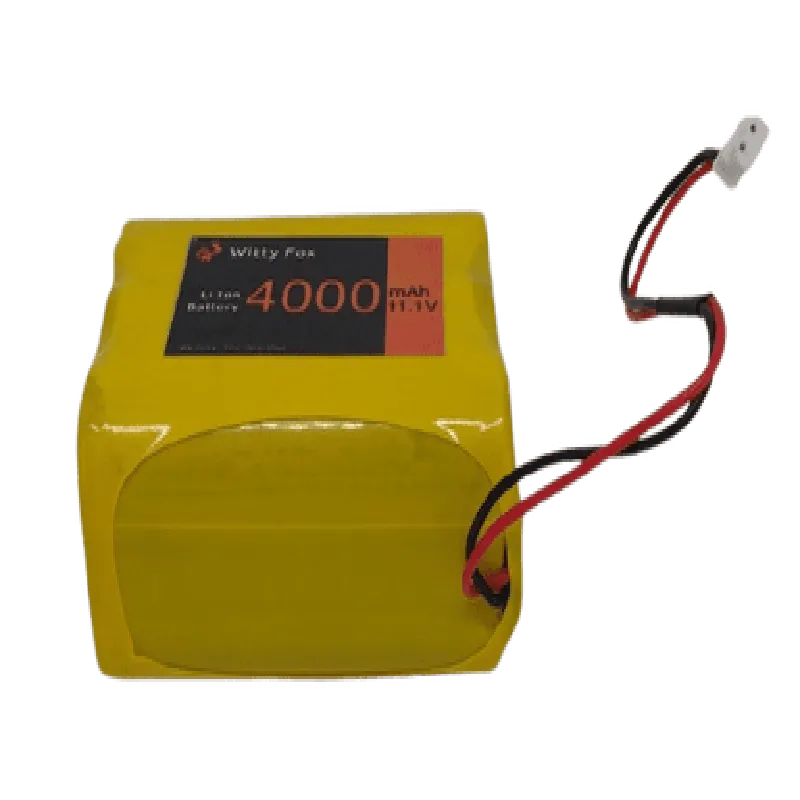
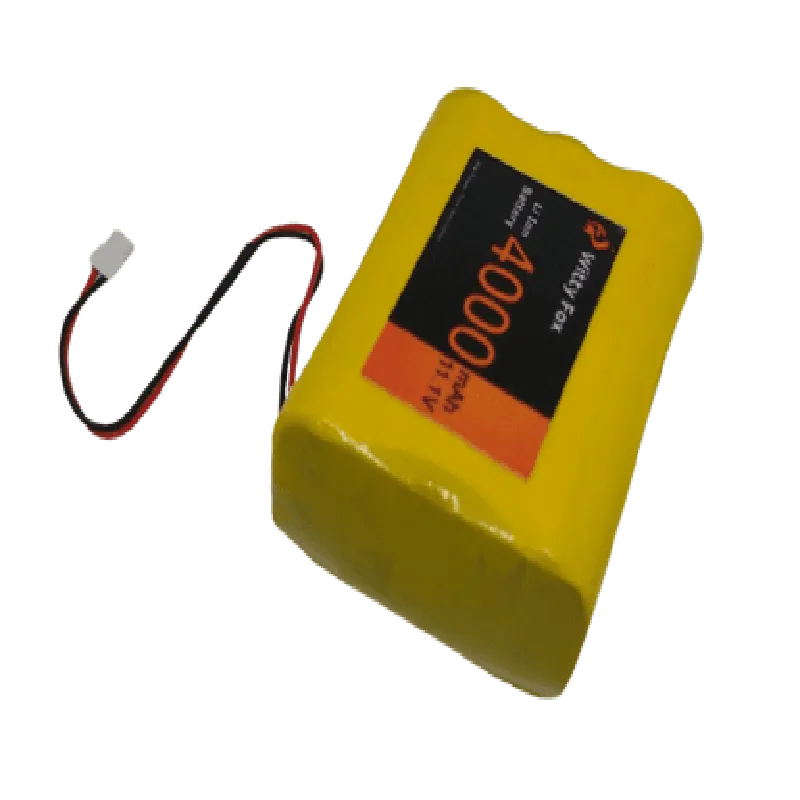
11.1V
4000mAh
144Wh/kg
Up to 500 charge/discharge cycles
64mm x 43mm x 25mm (L x W x H)
approximately 220g
| Charge/Discharge Cycles | 0.5C/0.5C |
4-5 hours
2C (8A)
Safety Precautions
| When handling the Witty Fox 11.1V 4000mAh Li-Ion Battery, please observe the following safety precautions |
Avoid short-circuiting the battery terminals.
Do not crush, puncture, or incinerate the battery.
Keep the battery away from children and pets.
Use a charger specifically designed for lithium-ion batteries.
Monitor the battery's temperature during charging and discharging.
Warranty and Support
The Witty Fox 11.1V 4000mAh Li-Ion Battery comes with a limited one-year warranty. For technical support, please contact the manufacturer or authorized distributors.
Witty Fox 11.1V 4000mAh Li-Ion Battery DocumentationOverviewThe Witty Fox 11.1V 4000mAh Li-Ion Battery is a high-capacity rechargeable battery designed for use in various IoT applications. This battery features a nominal voltage of 11.1V and a capacity of 4000mAh, making it suitable for powering devices that require a moderate to high power supply.SpecificationsNominal Voltage: 11.1V
Capacity: 4000mAh
Chemistry: Lithium-Ion (Li-Ion)
Dimensions: 68mm x 40mm x 22mm
Weight: 120g
Max Charge Current: 2A
Max Discharge Current: 5AConnecting the BatteryThe Witty Fox 11.1V 4000mAh Li-Ion Battery has two terminals: positive (+) and negative (-). The positive terminal is marked with a "+" sign, and the negative terminal is marked with a "-" sign.To connect the battery to your IoT device, you will need to connect the positive terminal to the positive power input of your device and the negative terminal to the negative power input of your device.Code Examples### Example 1: Arduino Uno Power SupplyIn this example, we will demonstrate how to use the Witty Fox 11.1V 4000mAh Li-Ion Battery to power an Arduino Uno board.```c++
#include <Arduino.h>// Define the battery voltage and capacity
const float batteryVoltage = 11.1;
const int batteryCapacity = 4000;void setup() {
// Initialize the serial communication
Serial.begin(9600);
// Print the battery voltage and capacity
Serial.print("Battery Voltage: ");
Serial.print(batteryVoltage);
Serial.println("V");
Serial.print("Battery Capacity: ");
Serial.print(batteryCapacity);
Serial.println("mAh");
}void loop() {
// Read the battery voltage using the Arduino's analogRead function
int sensorValue = analogRead(A0);
float batteryVoltageReading = sensorValue (batteryVoltage / 1023.0);
// Print the battery voltage reading
Serial.print("Battery Voltage Reading: ");
Serial.print(batteryVoltageReading);
Serial.println("V");
// Wait for 1 second before taking the next reading
delay(1000);
}
```### Example 2: Raspberry Pi Power Supply with PythonIn this example, we will demonstrate how to use the Witty Fox 11.1V 4000mAh Li-Ion Battery to power a Raspberry Pi using Python.```python
import RPi.GPIO as GPIO
import time# Define the battery voltage and capacity
battery_voltage = 11.1
battery_capacity = 4000# Initialize the GPIO library
GPIO.setmode(GPIO.BCM)# Define the GPIO pin for the battery voltage reading
GPIO.setup(17, GPIO.IN)while True:
# Read the battery voltage using the Raspberry Pi's GPIO library
sensor_value = GPIO.input(17)
battery_voltage_reading = sensor_value (battery_voltage / 1023.0)
# Print the battery voltage reading
print("Battery Voltage Reading: {:.2f}V".format(battery_voltage_reading))
# Wait for 1 second before taking the next reading
time.sleep(1)
```Safety PrecautionsWhen handling the battery, avoid short-circuiting the terminals, as this can cause a fire or explosion.
Keep the battery away from children and pets.
Avoid overcharging or over-discharging the battery, as this can reduce its lifespan.
Follow proper charging and discharging procedures to ensure safe and efficient operation.By following these guidelines and code examples, you can effectively use the Witty Fox 11.1V 4000mAh Li-Ion Battery in your IoT projects.