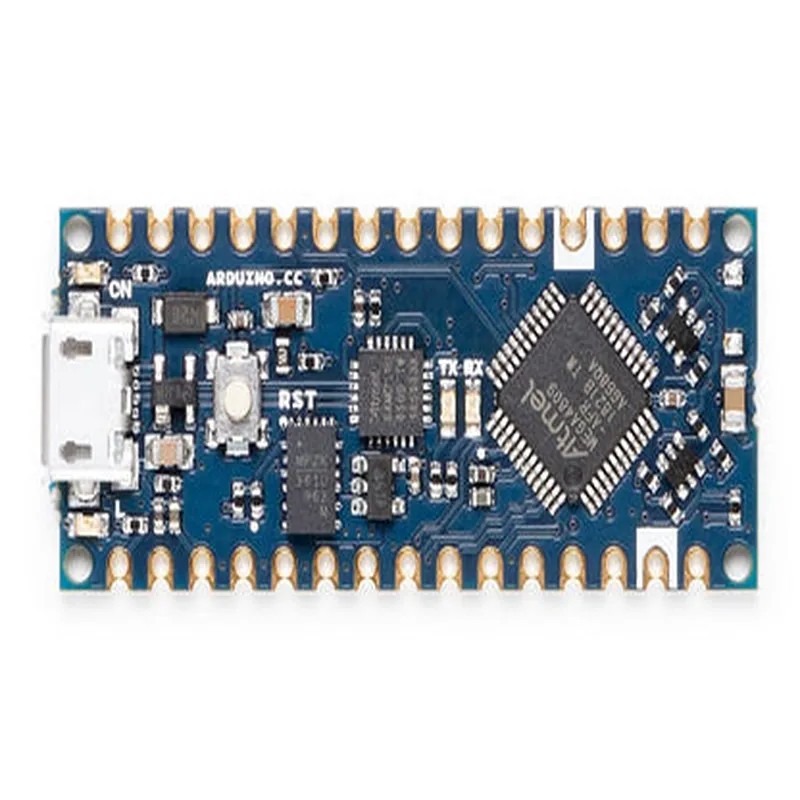
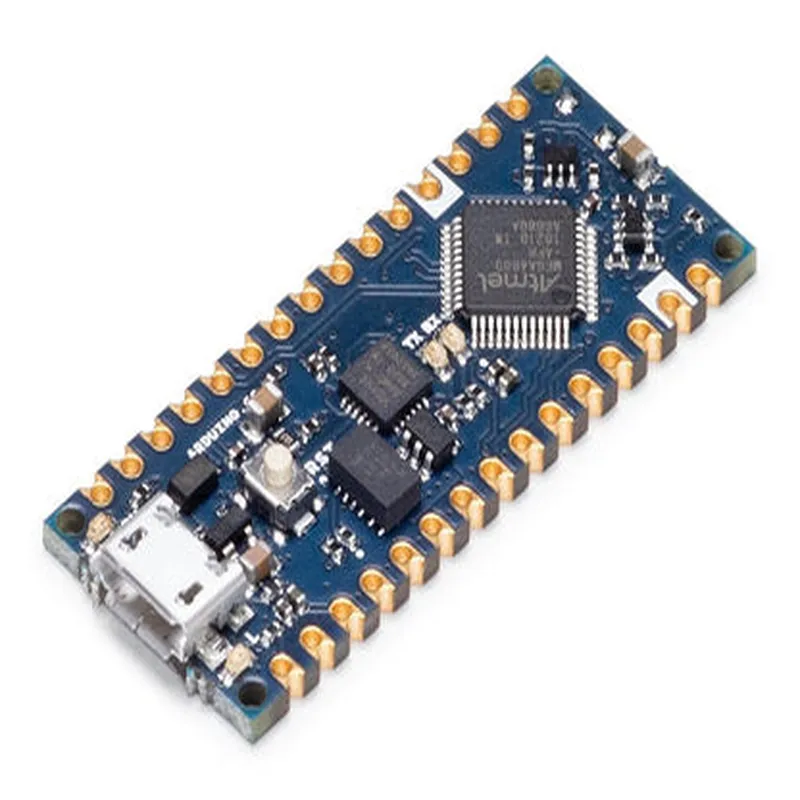
Arduino Nano Every without Headers
The Arduino Nano Every without Headers is a compact and versatile microcontroller board based on the ATmega4809 microprocessor. It is a powerful and feature-rich board that is compatible with the Arduino IDE, making it an ideal choice for a wide range of IoT projects.
Microcontroller: ATmega4809
 Operating Voltage: 5V
 Input Voltage: 7-21V
 Digital I/O Pins: 22
 Analog Input Pins: 8
 UARTs: 2
 SPI: 1
 I2C: 1
 Flash Memory: 48 KB
 SRAM: 6 KB
 EEPROM: 256 bytes
The Arduino Nano Every without Headers has the following hardware components:
ATmega4809 microprocessor
 USB Type-C connector for programming and power
 2x5-pin male header for I/O pins
 2x3-pin male header for power pins
 Reset button
 Power LED indicator
 TX and RX LED indicators
In this example, we will demonstrate how to use the Arduino Nano Every without Headers to blink an LED connected to digital pin 13.
Code:
```cpp
const int ledPin = 13;  // choose a pin for the LED
void setup() {
  pinMode(ledPin, OUTPUT);  // set the pin as an output
}
void loop() {
  digitalWrite(ledPin, HIGH);  // turn the LED on
  delay(1000);  // wait for 1 second
  digitalWrite(ledPin, LOW);  // turn the LED off
  delay(1000);  // wait for 1 second
}
```
Hardware Connection:
Connect an LED to digital pin 13 of the Arduino Nano Every without Headers.
 Connect a 220 resistor in series with the LED to limit the current.
 Connect the other end of the resistor to the power pin of the Arduino Nano Every without Headers.
Example 2: Reading Analog Input
In this example, we will demonstrate how to use the Arduino Nano Every without Headers to read an analog input from a potentiometer connected to analog pin A0.
Code:
```cpp
const int analogPin = A0;  // choose an analog pin for the potentiometer
void setup() {
  Serial.begin(9600);  // initialize the serial communication
}
void loop() {
  int sensorValue = analogRead(analogPin);  // read the analog value
  Serial.print("Analog value: ");
  Serial.println(sensorValue);  // print the value to the serial monitor
  delay(100);  // wait for 100ms
}
```
Hardware Connection:
Connect one end of the potentiometer to the power pin of the Arduino Nano Every without Headers.
 Connect the other end of the potentiometer to the ground pin of the Arduino Nano Every without Headers.
 Connect the middle pin of the potentiometer to analog pin A0 of the Arduino Nano Every without Headers.
Example 3: I2C Communication
In this example, we will demonstrate how to use the Arduino Nano Every without Headers to communicate with an I2C device, such as an LCD display.
Code:
```cpp
#include <Wire.h>  // include the Wire library for I2C communication
const int lcdAddress = 0x27; // address of the LCD display
void setup() {
  Wire.begin();  // initialize the I2C communication
  Wire.beginTransmission(lcdAddress);  // start transmission to the LCD display
  Wire.write(0x01);  // send the command to clear the display
  Wire.endTransmission();  // end transmission
}
void loop() {
  Wire.beginTransmission(lcdAddress);  // start transmission to the LCD display
  Wire.write("Hello, World!");  // send the string to the LCD display
  Wire.endTransmission();  // end transmission
  delay(1000);  // wait for 1 second
}
```
Hardware Connection:
Connect the SDA pin of the LCD display to the SDA pin of the Arduino Nano Every without Headers.
 Connect the SCL pin of the LCD display to the SCL pin of the Arduino Nano Every without Headers.
 Connect the VCC pin of the LCD display to the power pin of the Arduino Nano Every without Headers.
 Connect the GND pin of the LCD display to the ground pin of the Arduino Nano Every without Headers.
Note: The above code examples are just a demonstration of the capabilities of the Arduino Nano Every without Headers and may require modification to suit specific project requirements.