Optical dust sensor


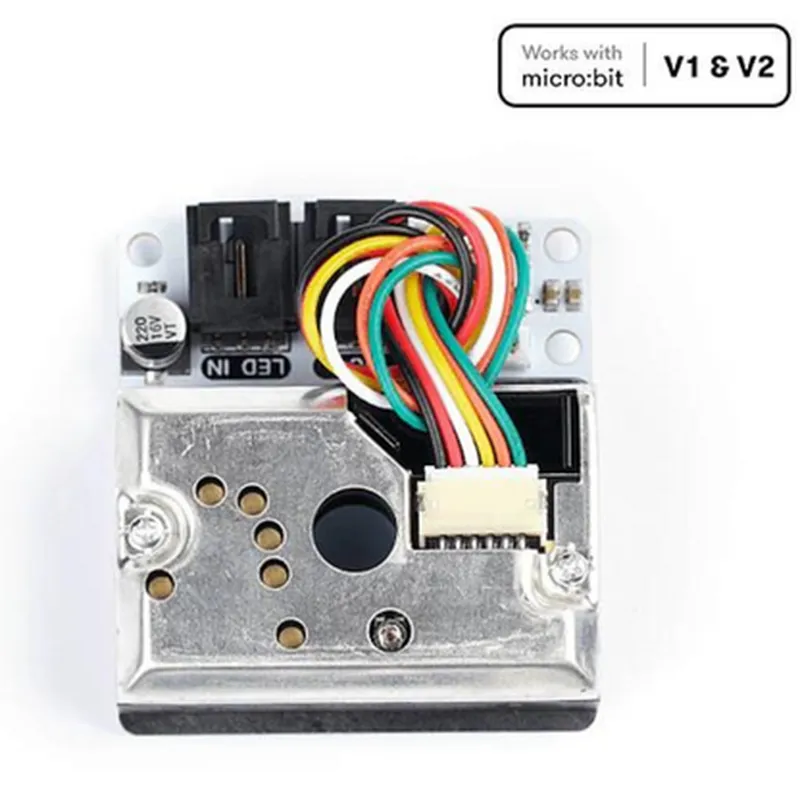
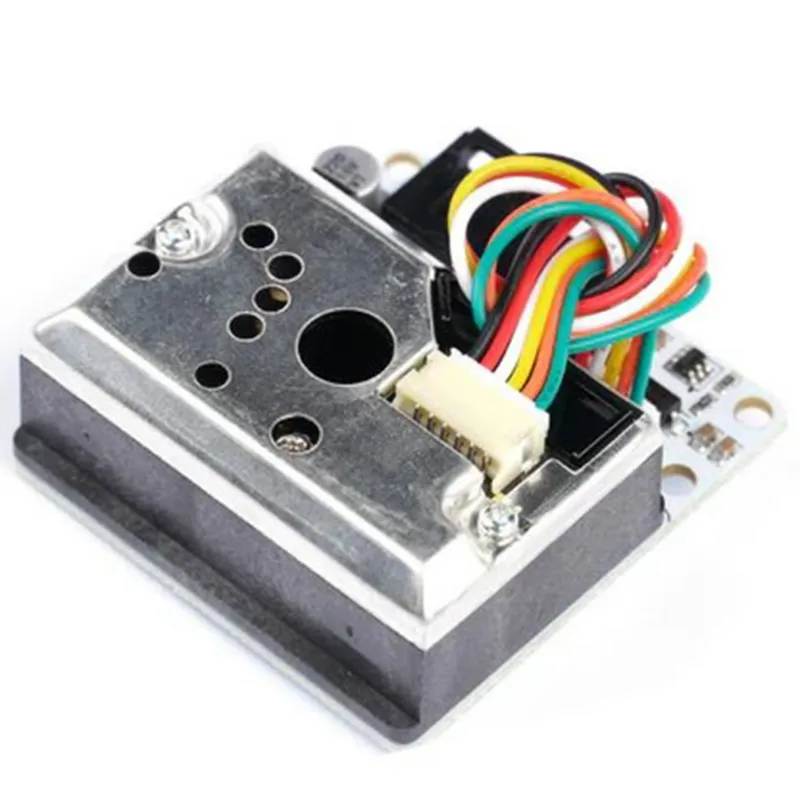
Optical dust sensor
0 g/m to 512 g/m
0.1 g/m
4.5 V to 5.5 V
15 mA
Analog (0-5 V)
10 ms
-20C to 60C
5% to 95% RH
42 mm x 21 mm x 14 mm
10 g
Application Ideas
Air quality monitoring systems
Air purifiers and HVAC systems
Industrial process control and automation
IoT projects and wearables
Environmental monitoring systems
Conclusion
The ELECFREAKS Octopus Dust Sensor (Sharp GP2Y1010AU0F) is a high-performance dust sensor ideal for a wide range of applications requiring accurate and reliable air quality monitoring. Its compact design, low power consumption, and easy-to-use analog output make it a popular choice among developers and engineers.
ELECFREAKS Octopus Dust Sensor (Sharp GP2Y1010AU0F) DocumentationOverviewThe ELECFREAKS Octopus Dust Sensor (Sharp GP2Y1010AU0F) is a high-precision optical dust sensor designed for air quality monitoring applications. It is capable of detecting dust particles as small as 0.5 m and provides a linear output voltage proportional to the dust concentration. This sensor is ideal for IoT projects related to air quality monitoring, HVAC systems, and industrial automation.Technical SpecificationsOperating Voltage: 4.5-5.5V
Operating Current: 20mA
Output Voltage Range: 0-5V
Dust Detection Range: 0.5-1000 g/m
Accuracy: 10%
Response Time: 10 seconds
Interface: Analog outputPinoutVCC: Power supply (4.5-5.5V)
GND: Ground
OUT: Analog outputCode Examples### Example 1: Basic Analog Readout (Arduino)This example demonstrates how to read the analog output of the dust sensor using an Arduino board.
```c++
const int dustSensorPin = A0; // Analog input pin for dust sensorvoid setup() {
Serial.begin(9600);
}void loop() {
int sensorValue = analogRead(dustSensorPin);
float dustConcentration = (sensorValue 5.0) / 1024.0; // Convert analog value to voltage
Serial.print("Dust Concentration: ");
Serial.print(dustConcentration);
Serial.println(" V");
delay(1000);
}
```
### Example 2: Air Quality Monitoring with ESP32 (MicroPython)This example demonstrates how to read the dust sensor output and send the data to a cloud-based service using an ESP32 board running MicroPython.
```python
import machine
import urequestsdust_sensor = machine.ADC(machine.Pin(32)) # Assign dust sensor to ADC pin 32def get_dust_concentration():
sensor_value = dust_sensor.read()
voltage = sensor_value 5.0 / 4095.0
dust_concentration = voltage 100 # Convert voltage to dust concentration ( approx )
return dust_concentrationwhile True:
dust_concentration = get_dust_concentration()
print("Dust Concentration: ", dust_concentration, " g/m")
# Send data to cloud service using urequests
urequests.post("https://example.com/air_quality_data", json={"dust_concentration": dust_concentration})
machine.sleep(60000) # Send data every 1 minute
```
### Example 3: Dust Alarm System with Raspberry Pi (Python)This example demonstrates how to use the dust sensor to trigger an alarm when the dust concentration exceeds a certain threshold using a Raspberry Pi.
```python
import RPi.GPIO as GPIO
import timeGPIO.setmode(GPIO.BCM)dust_sensor_pin = 18 # Assign dust sensor to GPIO 18
alarm_pin = 23 # Assign alarm output to GPIO 23GPIO.setup(dust_sensor_pin, GPIO.IN)
GPIO.setup(alarm_pin, GPIO.OUT)def get_dust_concentration():
sensor_value = GPIO.input(dust_sensor_pin)
voltage = sensor_value 5.0 / 1024.0
dust_concentration = voltage 100 # Convert voltage to dust concentration ( approx )
return dust_concentrationwhile True:
dust_concentration = get_dust_concentration()
if dust_concentration > 50: # Trigger alarm if dust concentration exceeds 50 g/m
GPIO.output(alarm_pin, GPIO.HIGH)
print("Dust Alarm: ON")
else:
GPIO.output(alarm_pin, GPIO.LOW)
print("Dust Alarm: OFF")
time.sleep(1)
```
Note: These examples are for demonstration purposes only and may require adjustments to suit your specific use case. Ensure you follow proper safety precautions when working with electronics and sensors.