Microchip MCP4725


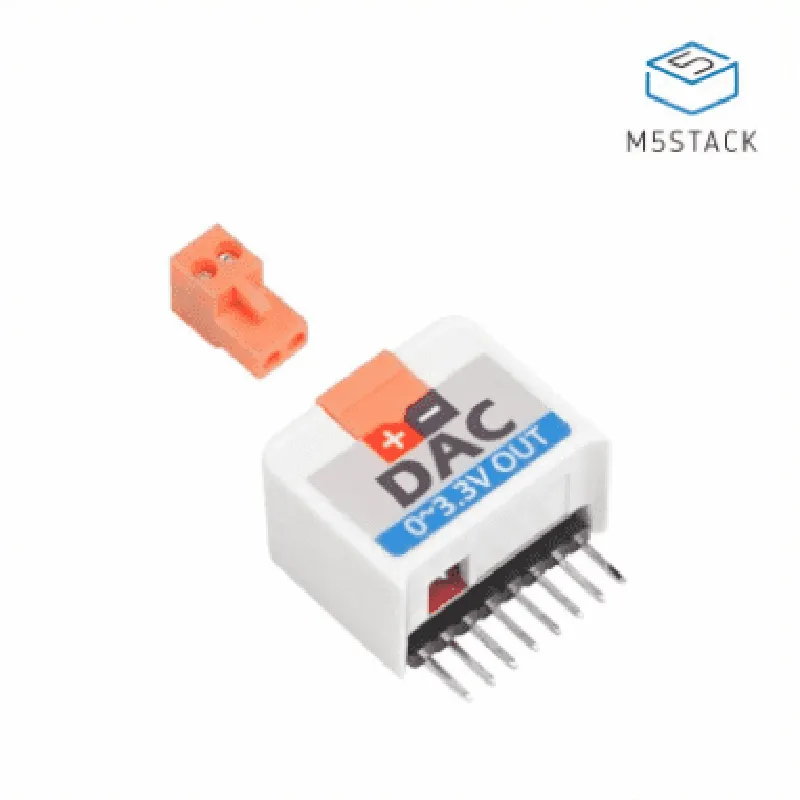
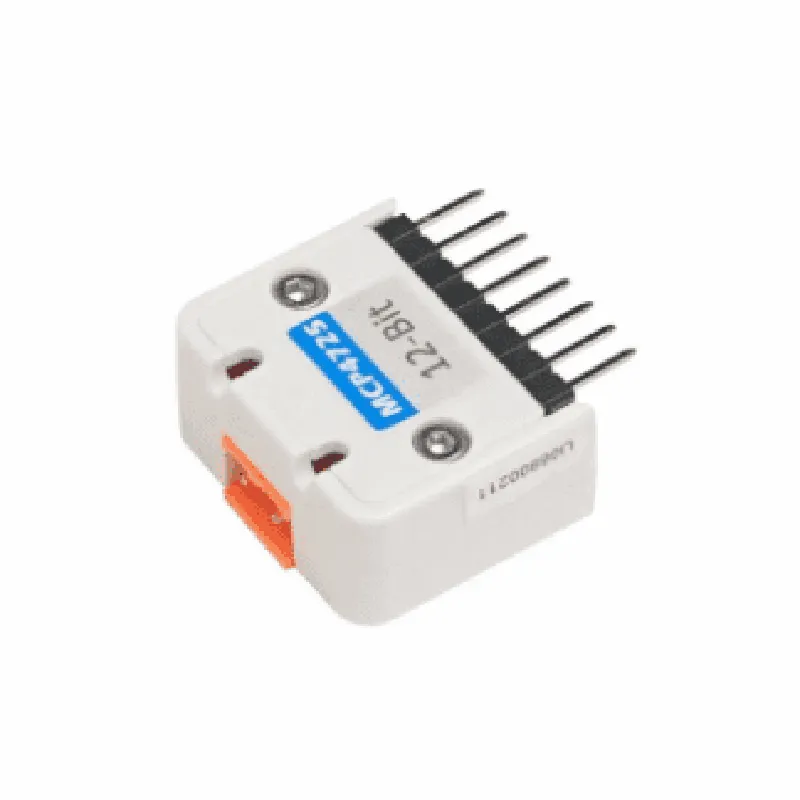
Microchip MCP4725
12-bit
1
0V to VCC
3.3V to 5V
Typically 1.5mA
I2C
Up to 400 kHz
-40C to +85C
25mm x 25mm x 10mm (L x W x H)
Applications
| The M5StickC Digital to Analog Convertor Hat MCP4725 is suitable for a wide range of applications, including |
IoT devices
Robotics and automation
Industrial control systems
Home automation
Audio and video equipment
Medical devices
Aerospace and defense applications
By providing a compact and efficient digital-to-analog conversion solution, the M5StickC Digital to Analog Convertor Hat MCP4725 enables developers to create innovative and complex projects with ease.
M5StickC Digital to Analog Convertor Hat MCP4725 DocumentationThe M5StickC Digital to Analog Convertor Hat MCP4725 is a small, compact module that allows users to convert digital signals from their microcontrollers to analog signals, making it compatible with devices that only accept analog inputs. This module is based on the MCP4725 12-bit Digital-to-Analog Converter (DAC) chip.Technical SpecificationsResolution: 12-bit
Output Voltage Range: 0 V to VCC ( Typically 3.3 V or 5 V)
I2C Interface
Operating Voltage: 3.3 V to 5 V
Communication Protocol: I2CProgramming InterfaceThe M5StickC Digital to Analog Convertor Hat MCP4725 uses the I2C protocol to communicate with the microcontroller. The module has a default I2C address of 0x60, but this can be changed by connecting the ADDR pin to VCC, GND, or leaving it open.Code ExamplesExample 1: Basic Analog Output using ArduinoIn this example, we'll demonstrate how to use the M5StickC Digital to Analog Convertor Hat MCP4725 to generate an analog output voltage using an Arduino board.```c++
#include <Wire.h>#define DAC_I2C_ADDRESS 0x60void setup() {
Wire.begin(); // Initialize I2C
}void loop() {
// Set the output voltage to 1.5V (approximately)
uint16_t outputValue = 2048; // 12-bit value, 0 to 4095
Wire.beginTransmission(DAC_I2C_ADDRESS);
Wire.write(0x40); // Write to register 0x40 to set output voltage
Wire.write(highByte(outputValue));
Wire.write(lowByte(outputValue));
Wire.endTransmission();delay(1000);
}
```Example 2: Generating a Sine Wave using MicroPythonIn this example, we'll demonstrate how to use the M5StickC Digital to Analog Convertor Hat MCP4725 to generate a sine wave using a MicroPython-enabled board, such as the M5StickC.```python
import machine
import mathdac_i2c = machine.I2C(sda=machine.Pin(21), scl=machine.Pin(22)) # Initialize I2Cwhile True:
for i in range(0, 360):
# Calculate the sine value (0 to 1) and scale it to 12-bit DAC value (0 to 4095)
output_value = int((math.sin(math.radians(i)) + 1) 2048)
dac_i2c.writeto(0x60, bytearray([0x40, output_value >> 8, output_value & 0xFF]))
machine.sleep(0.01) # 10ms delay
```Example 3: Controlling a Servo Motor using ESP32In this example, we'll demonstrate how to use the M5StickC Digital to Analog Convertor Hat MCP4725 to control a servo motor using an ESP32 board.```c++
#include <WiFi.h>
#include < Wire.h>#define DAC_I2C_ADDRESS 0x60
#define SERVO_PIN 18 // Servo motor connected to GPIO 18WiFiClient espClient;
Servo servo;void setup() {
Serial.begin(115200);
Wire.begin(); // Initialize I2C
servo.attach(SERVO_PIN);
}void loop() {
// Set the servo motor to 0 degrees (approximately)
uint16_t outputValue = 128; // 12-bit value, 0 to 4095, corresponding to 0 degrees
Wire.beginTransmission(DAC_I2C_ADDRESS);
Wire.write(0x40); // Write to register 0x40 to set output voltage
Wire.write(highByte(outputValue));
Wire.write(lowByte(outputValue));
Wire.endTransmission();
servo.write(0);delay(1000);// Set the servo motor to 90 degrees (approximately)
outputValue = 256; // 12-bit value, 0 to 4095, corresponding to 90 degrees
Wire.beginTransmission(DAC_I2C_ADDRESS);
Wire.write(0x40); // Write to register 0x40 to set output voltage
Wire.write(highByte(outputValue));
Wire.write(lowByte(outputValue));
Wire.endTransmission();
servo.write(90);delay(1000);
}
```These examples demonstrate how to use the M5StickC Digital to Analog Convertor Hat MCP4725 to generate analog output voltages, creating a sine wave, and controlling a servo motor. The module's I2C interface makes it easy to integrate with popular microcontrollers and single-board computers.